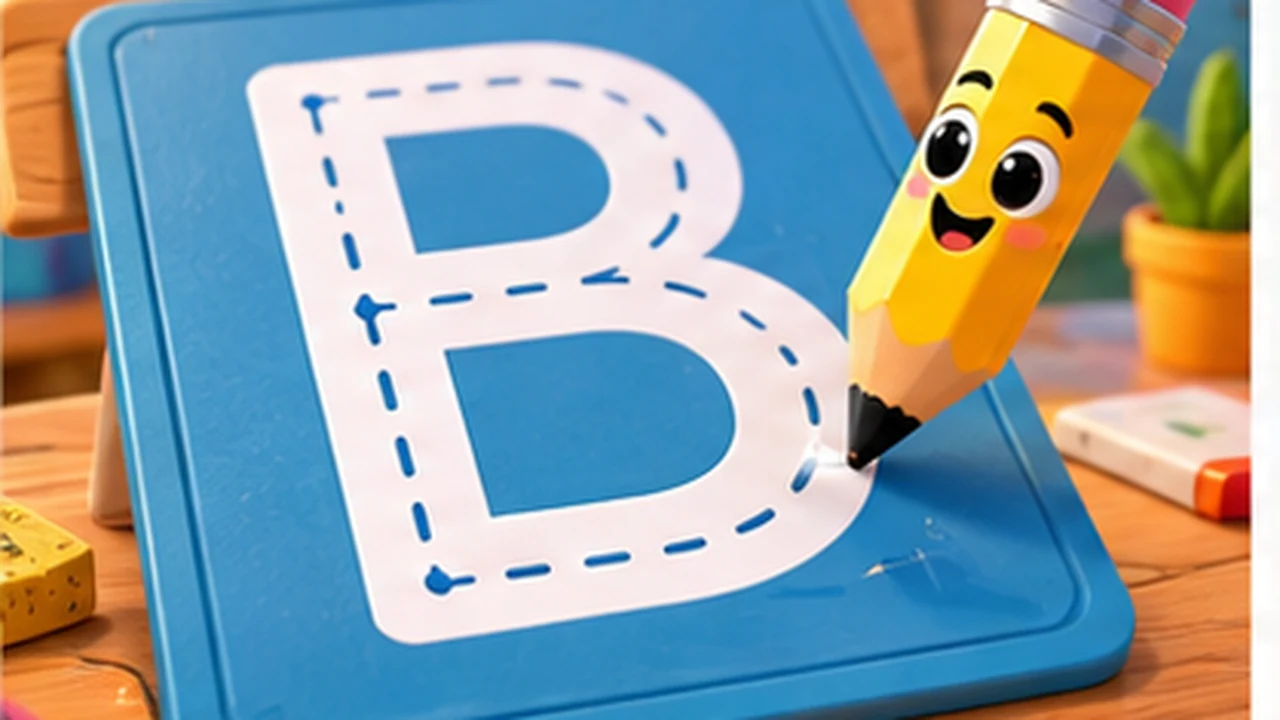
How to play Alphabet Lore: Coloring Page
Choose a color, then click or tap a region to fill it. Use the game’s reset control when you want a clean page; refreshing the whole page may also reset progress.
Start with one input method and let the opening screen finish before repeating a click or key. If the frame remains blank, test the steps in our browser-game loading guide. Modern browser play should not require Flash, an extension, an executable installer, an account password, or payment information.
What we checked
The editorial team inspected the historical route, available package or provider frame, first visible interaction, control type, page integration, and basic responsive fit on 10 October 2026. This is a practical availability check, not a complete code audit, official age rating, accessibility certification, educational assessment, or rights opinion. External providers can change availability without notice.
Source and non-affiliation
This game route and its representative image were preserved from the site’s legacy archive. The page is independently maintained and is not presented as an official release, sponsorship, or endorsement by the creators or rights holders of Alphabet Lore or any crossover brand. Names and images identify the subject. Rights holders can use the copyright and takedown process.
Before a younger player starts
Preview the first screen, confirm the controls fit the device, begin at a moderate sound level, and distinguish the game from any external link or advertisement. Do not provide a real name, school, birthday, precise location, photograph, voice recording, password, or payment detail to an unexpected prompt. See the parent co-play guide for a short supervised-session pattern.